Contents (13 sections)
In recent years, the shift towards remote work has prompted a need for effective home office setups. With the right home office gadgets, you can significantly enhance your productivity and create a more efficient work environment. This article will explore ten must-have gadgets that not only improve functionality but also cater to various working styles. Whether you’re looking to streamline your setup or introduce new technology, this list will help guide your choices.
1. Ergonomic Office Chair
An ergonomic office chair is one of the most crucial investments for your home office. The design of these chairs takes into account the natural posture of the human body, providing support where it is needed most. They often feature adjustable heights, lumbar support, and various reclining functionalities to promote comfort during long hours of work. Research conducted by the American Chiropractic Association indicates that comfortable seating reduces back pain and increases productivity by up to 30%. Choose a chair that fits your body type and offers adequate support for extended periods of sitting.
2. Adjustable Standing Desk
Adjustable standing desks have become increasingly popular, allowing users to switch between sitting and standing throughout the day. This flexibility is vital, as studies show that alternating between standing and sitting can reduce the risk of injury and improve overall wellbeing. In fact, a study by the Institute for Health Metrics and Evaluation revealed that sedentary behaviour can lead to increased health risks, including obesity and heart disease. Look for desks that offer smooth height adjustments to create a comfortable working environment tailored to your needs.
3. Noise-Cancelling Headphones
In a bustling home environment, distractions can hinder productivity. Noise-cancelling headphones are an essential gadget to help you focus on the task at hand. These headphones work by using microphones to detect external sound and generate sound waves to cancel them out. Users have reported that employing noise-cancelling technology boosts concentration by enhancing auditory focus and reducing stress factors. Brands like Bose and Sony have been leading the charge with several models tailored for both audio quality and comfort, making them indispensable for remote work:
| Brand | Noise Cancellation | Battery Life | Price Range |
|---|---|---|---|
| Bose | Excellent | 20 hours | £250 - £350 |
| Sony | Very good | 30 hours | £250 - £350 |
| Apple | Good | 24 hours | £300 - £400 |
5. Wireless Keyboard and Mouse
To complement your ergonomic setup, consider a wireless keyboard and mouse. These gadgets offer flexibility and freedom from the constraints of cords, allowing for a tidier workspace. When selecting a wireless keyboard and mouse, it's crucial to choose options that feel comfortable to you. Look for features such as adjustable sensitivity on a mouse or a keyboard with customizable keys, especially for repetitive tasks. This small upgrade can lead to improved comfort and efficiency during your workday.
6. Smart Assistant Device
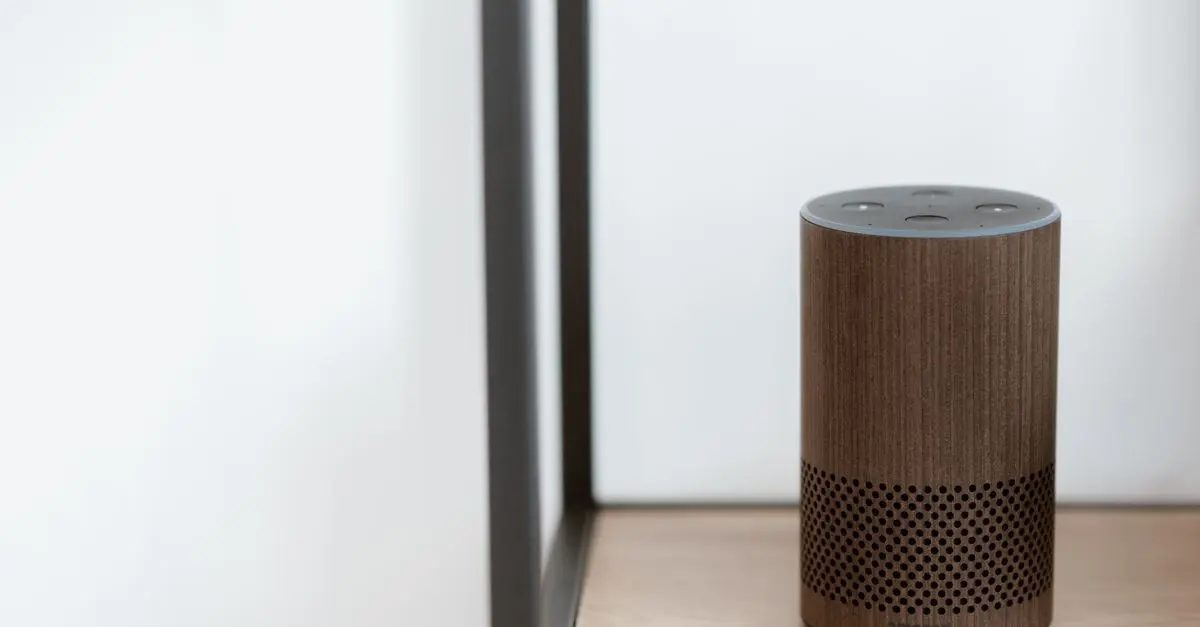
A smart assistant device, such as Amazon Echo or Google Nest, can revolutionise the way you manage your work tasks. These gadgets help you stay organised by allowing voice-activated reminders, setting timers, or managing your calendar. According to a survey by Pew Research Center, 60% of users report that smart assistants have positively impacted their productivity. Integration with other smart devices in your home can create an efficient workflow that aids in multitasking while reducing distractions.
7. Monitor Stand or Riser
Improving your workspace ergonomics doesn't stop with a good chair and desk. An adjustable monitor stand or riser can elevate your screen to eye level, helping to prevent neck strain. Properly positioning your monitor can greatly influence your posture and reduce the risk of discomfort. Many options are available, including those with built-in storage for added convenience. By keeping your workspace organised, you can enhance the overall efficiency of your home office setup.
8. Cable Management System
A cable management system might seem like a minor detail, but it can have a significant impact on your workspace's visual appeal and functionality. Organising your cables effectively can prevent clutter and create a more professional environment. Various products are available, from simple cable clips to more sophisticated cable sleeves or boxes. Investing in an efficient cable management solution contributes to a cleaner, more organised workspace.
9. Desk Lamp with Adjustable Brightness
Lighting is crucial in a home office, and an adjustable desk lamp can provide the perfect illumination for your tasks. Look for lamps that offer varying brightness levels and colour temperatures to reduce eye strain and improve focus. Studies conducted by the Illuminating Engineering Society have shown that appropriate lighting can enhance productivity by up to 15%. A lamp with an ergonomic design can also help create a more comfortable reading or working environment.
10. Productivity Apps and Software Tools
While not a physical gadget, productivity apps and software tools are essential additions to your home office toolkit. Tools like Trello, Asana, and Notion assist in project management and keep your tasks organised. Many of these platforms provide automation capabilities, enabling you to streamline your workflow. According to McKinsey, digitising work processes can lead to a 20-25% increase in productivity. Choose apps that align with your work style and enhance your organisational capabilities.
Checklist before Purchase
- [ ] Assess ergonomic needs for chair and desk.
- [ ] Consider audio quality and comfort when choosing headphones.
- [ ] Evaluate webcam resolution and additional features.
- [ ] Select keyboard and mouse based on comfort and usability.
- [ ] Organise cables to reduce clutter and enhance productivity.
Glossary
| Terme | Définition |
|---|---|
| Ergonomique | Qui est conçu pour améliorer le confort et réduire le stress physique. |
| Lumens | Unité de mesure de la lumière émise par une source lumineuse. |
| Multitâche | Réalisation de plusieurs tâches simultanément ou efficacement. |
> 📺 Pour aller plus loin : Explore essential office gadgets for increased productivity, a complete guide on the best products to improve your workspace setup. Search on YouTube: "best home office gadgets 2026".
🧠 Quiz rapide : What is the most important aspect of a home office?
- A) Comfort
- B) Technology
- C) Aesthetic appeal
Réponse : A — Comfort is crucial for sustained productivity.
📺 Pour aller plus loin : best home office gadgets 2026 sur YouTube